March 17, 2026
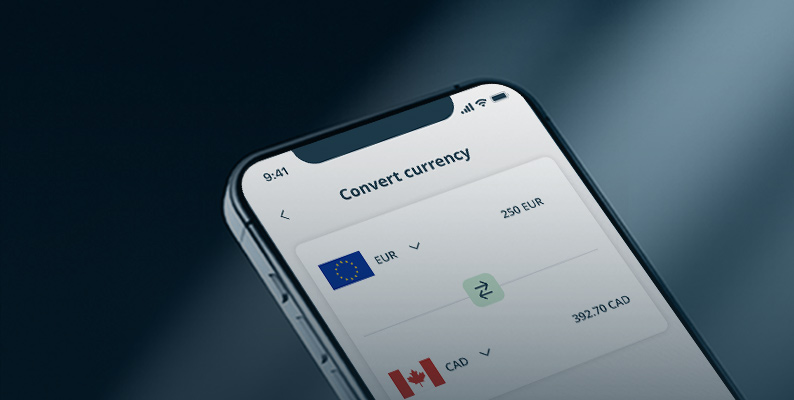
Currency Exchange Is Now Live on XlentPay

XlentPay is pleased to announce the launch of USDT (Tether) and USDC (USD Coin) wallets, now available directly within the user portal.
This new feature allows clients to open dedicated stablecoin wallets and manage digital assets seamlessly within the XlentPay environment. It marks another step in expanding the platform’s capabilities, providing users with more ways to receive, hold, and manage funds in a single, structured system.
USDT (Tether) and USDC (USD Coin) are among the most widely used stablecoins — digital currencies designed to maintain a stable value by being pegged to the US dollar.
Unlike traditional cryptocurrencies, which can experience significant price fluctuations, stablecoins aim to remain consistent in value. This makes them particularly useful for payments, transfers, and holding funds in a digital format while maintaining a close link to fiat currency.
Their growing global adoption has made them a practical option for businesses and individuals looking to manage international transactions more efficiently.
With the introduction of USDT and USDC wallets, clients can now:
This functionality enables users to manage digital assets alongside their existing balances, creating a more flexible and unified financial experience.
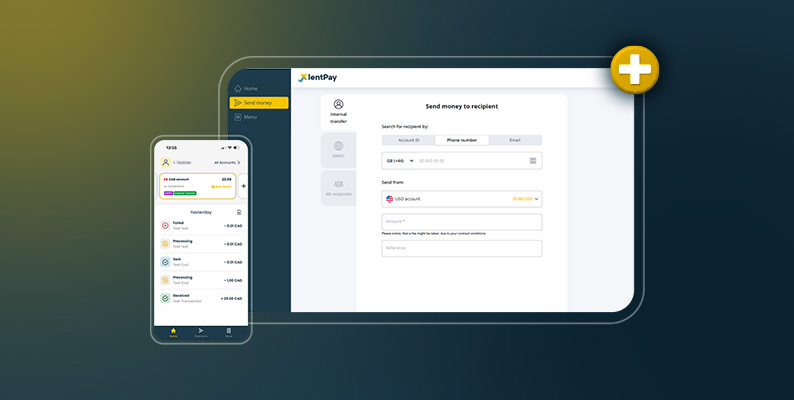
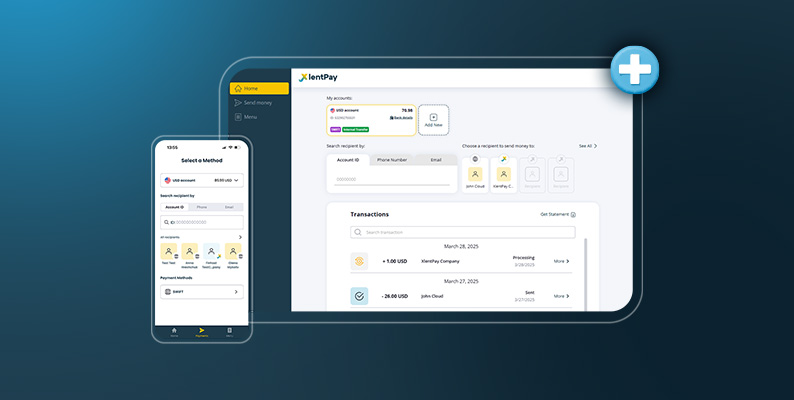
The addition of stablecoin wallets is fully integrated into the XlentPay portal, allowing clients to access and manage both traditional and digital assets from a single environment.
By bringing these capabilities together, XlentPay continues to simplify financial management, reducing the need for multiple platforms while maintaining a clear and intuitive user experience.
The platform’s familiar structure ensures that users can easily navigate and operate their accounts, regardless of whether they are managing fiat currencies or digital assets.
Clients can access this functionality by logging into their XlentPay account and opening their USDT and USDC wallets directly from the portal.
Once activated, users can begin receiving, holding, and converting stablecoins in line with their individual requirements.
The introduction of USDT and USDC wallets reflects XlentPay’s ongoing commitment to evolving its platform and continuously introducing new features that enhance how clients manage their finances.
Further capabilities are already in development, with more features to be introduced soon. Each addition is designed to expand flexibility, improve efficiency, and support a more connected financial experience within XlentPay.
For further information or assistance, clients may contact the XlentPay support team.